


Put the pic where you can find it easily, then go to http://www.tinypic.com. Click 'choose file', select the pic and click 'open' (assuming yours works the same as mine with Win7), click the big green 'Upload Now!' button, enter what it asks you for, click 'Upload Now!' again, then highlight and copy the second line down which has the ubb code on each end already. Paste it directly into your post (don't add more ubb code, the [img/img] parts) and hit preview before posting, to make sure it looks like what you want it to look like.taime1 wrote:I just received a pair a couple of weeks ago...if I can figure out how to upload a photo, I'll do that. I can also email the pics to you BOAT, if you wish.
At some point you might want to establish an account at photobucket or other pic hosting site, but for a quick upload to the forum, tinypic is about as quick (and anonymous) as it gets.

Click the 'quote' button on this post to see what the pic below looks like with the url and ubb code on each end. It's hosted on tinypic, as you can see in the url. The forum posts a large thumbnail, and when you click on it, you get it full-sized, though I think it scales large pics down to some maximum size automatically. If you want to scale it down yourself, tinypic gives you the option on the screen where you pick the pic, which you do before you upload it, of course.


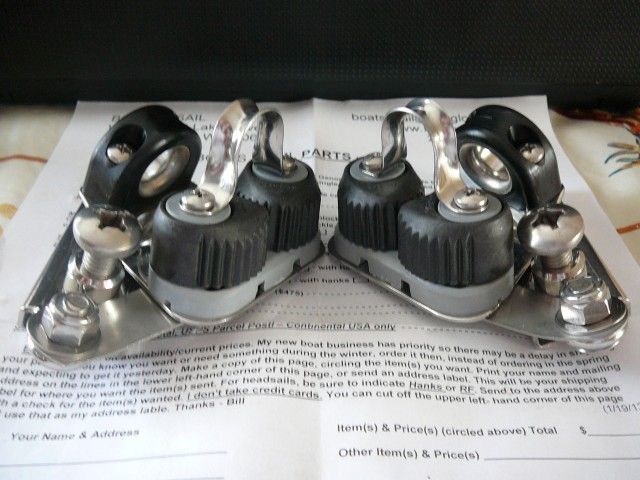
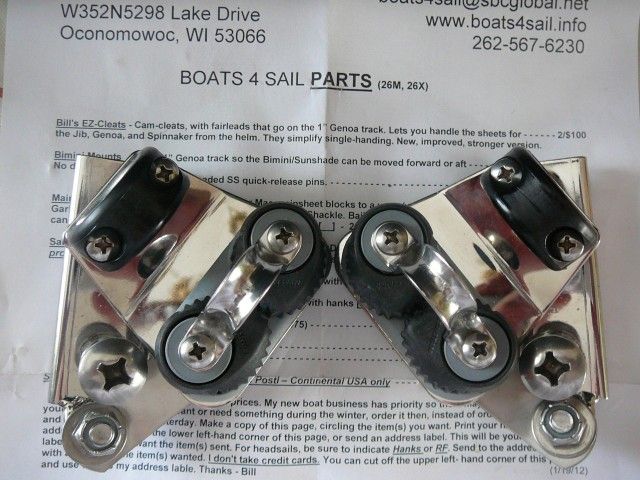
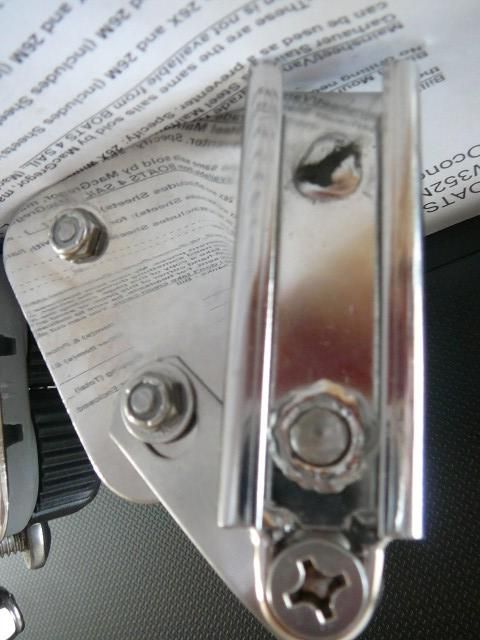

 I really should have got them for myself for christmas, but I thought I would put them on my christmas wish list in hopes that admiral would surprise me
  . Yup I was surprised all right - I did not get them
 which may require adding a second set of tracks further aft for the cleats and a bimini to work. I'd have to go out and check on my boat, but it's way too cold out right now.


