Randy,
Good luck on your final choice. FWIW, I did neglect to point out that my final choice was between both Lowrance and Garmin as well. I went with the Garmin not only because it suited my aforementioned requirements, as did the Lowrance, but a recent PRACTCAL SAILOR
http://www.practical-sailor.com/ issue indicated the sonar display was better on the particular model GARMIN I was looking at. Finally, I had owned the GARMIN 188 for 7 seasons and am used to GARMINs quirks. FWIW, I actually prefer the older 188 interface than the 540s I own now. I like specific buttons for specific functions as opposed to menu hunting which others may prefer. BTW, the resolution was the same as the 188, and that was fine for me in lieu of the 545 series and the increase initial outlay of funds.
Sumner,
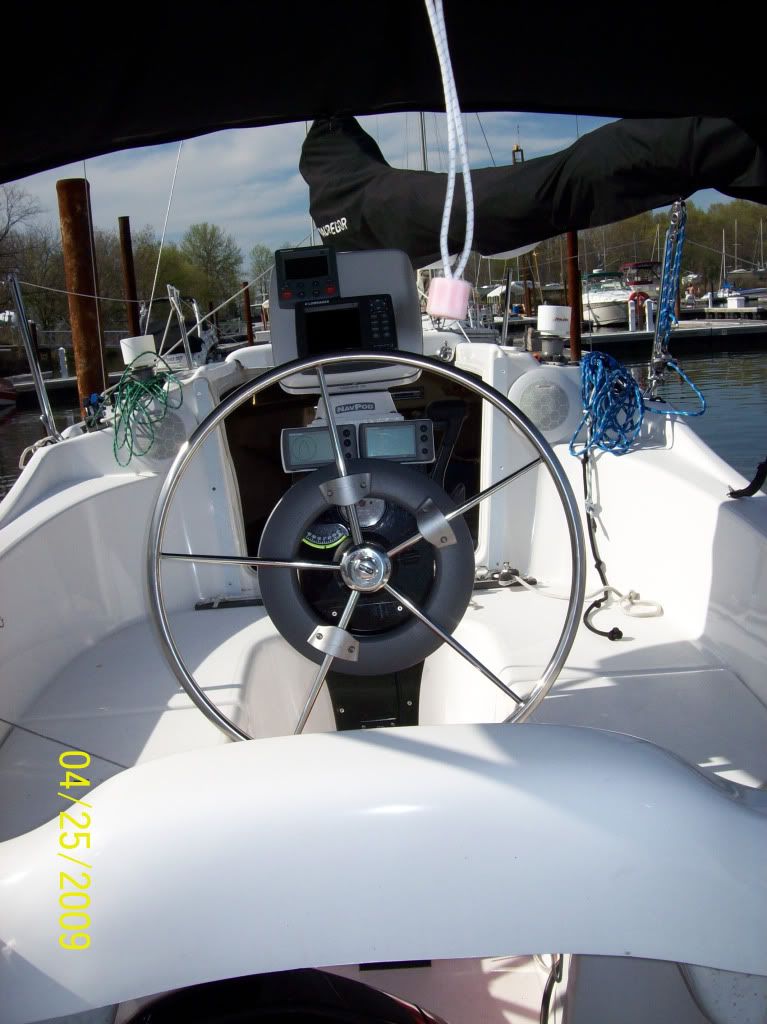
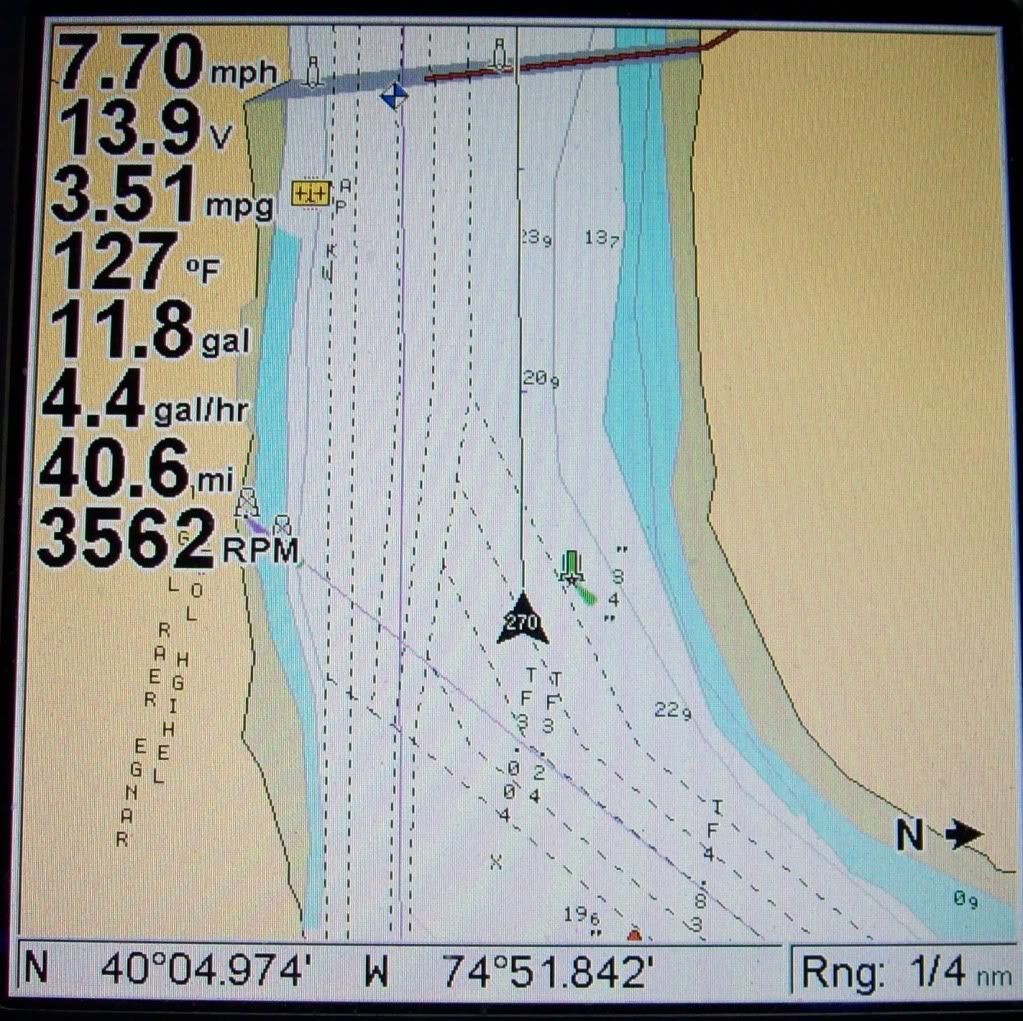
Garmin 540s
Check out my mods on how I integrated to my DSC Radio and Alarm Feature. Easy stuff.
Read on about the use of NOAA RNC's and GARMIN units: (Warning, most may realize now I get wordy)
I don’t like creating waypoints and routes on the Chartplotter itself. I prefer sitting comfortable at a PC with a real keyboard and mouse to manipulate my Navigation Data. The GARMIN database, UserData.ADM, is a proprietary database file. This is the file that can be saved to an SD Card for backup. The issue is, other than Garmin’s proprietary Software (like Trip and Waypoint Manager), you can ONLY create/edit Waypoints/Routes on the Chartplotter itself.
However with a program called GPS Utility
http://www.gpsu.co.uk/index.html
to convert the file, you can convert it to other formats that can be read by other apps, like Google Earth or even a text file that can be read into EXCEL and manipulated as well. There is a free version and a full blown version for $60 US.
Now obtain the free charting software such as SeaClear
http://www.sping.com/seaclear/ This is the program that will view the free RNC Charts that can be downloaded from NOAA
http://www.nauticalcharts.noaa.gov/staf ... spubs.html It’s not the most user friendly software, nor does it have a great manual. But once you installed the charts, it does the job and you get used to it fairly quickly. Another good feature is that you can print the charts out! Put them in a binder and keep onboard. Free charts, updated when you want without leaving your house!!
Now you can download the latest charts for your area. Transfer your GARMIN data to SeaClear. Add/Change/Delete Waypoints and Routes to your hearts content at home, at work, day or night.
Wrap it up, and transfer it back to your Chartplotter.
Passage planning from your local creek to next year’s great adventures has never been easier. Think of all the other recourses available for you at your PC than on the boat with the plotter itself. Granted you can bring your laptop with/WIFI to the boat and have those resources, but you’re still using the GPS to add/change/delete waypoints/routes. As a former USN QM, I prefer working with NOAA charts when planning. Plus it’s a second source of Navigational information; I’ve seen the differences between my GARMIN’s built in Cartography and the latest edition NOAA Charts. What’s neat too is that with GPS Utility, your Tracks are converted as well. At the end of your season, convert that to Google Earths KML file for a record of your yearly sailings!
Finally, while you’re still really at GARMIN’s mercy when it comes to updating the built in charts, you can still review it to the downloaded charts, and either mark ATON changes with special waypoints, or simply decide whether you should pay the $80 or so for the upgrade. I mean, if nothing’s changed in the areas YOU frequent, why update for that year? But if you do plan to go out of you normal “waters”, the software upgrade is always prudent and recommended. Your choice, your comfort level.