Page 2 of 3
Re: New Banner for home page
Posted: Mon Sep 26, 2022 6:30 pm
by NiceAft
I thought I had PM'd this to you.

Re: New Banner for home page
Posted: Tue Sep 27, 2022 4:35 pm
by OverEasy
Re: New Banner for home page
Posted: Sun Oct 02, 2022 2:40 pm
by Russ
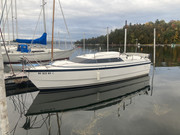
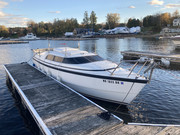
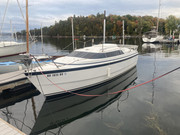
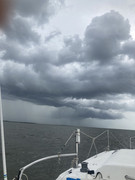
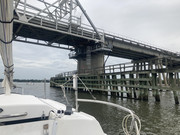
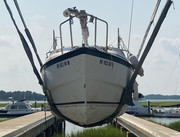
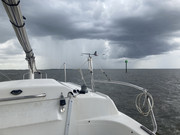
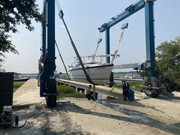
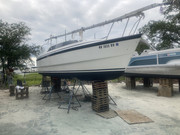
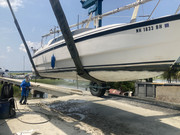
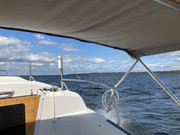
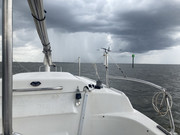
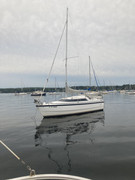
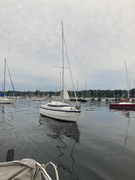
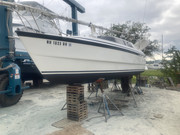
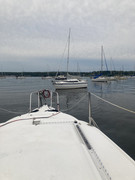
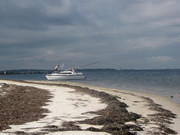
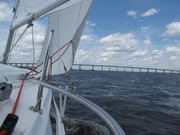
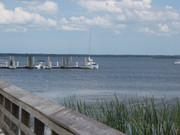
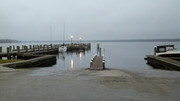
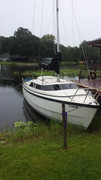
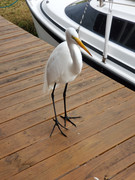
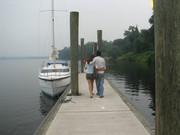
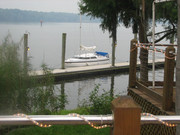
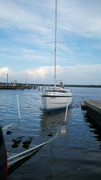
New photos uploaded to main site page.
Now randomized display order.
Learned me some javascript. Fun times.
If ya'll have more, post 'em.
Re: New Banner for home page
Posted: Sun Oct 02, 2022 3:03 pm
by kmclemore
Russ wrote: ↑Sun Oct 02, 2022 2:40 pm
New photos uploaded to main site page.
Now randomized display order.
Learned me some javascript. Fun times.
If ya'll have more, post 'em.
Very nice! I'll have to get a pic before I put it away this fall.
BTW, the "Go To Top" button doesn't work. Just sayin'... not important.
Re: New Banner for home page
Posted: Sun Oct 02, 2022 4:10 pm
by Russ
kmclemore wrote: ↑Sun Oct 02, 2022 3:03 pm
Very nice! I'll have to get a pic before I put it away this fall.
BTW, the "Go To Top" button doesn't work. Just sayin'... not important.
Yea Kevin, you need to represent.
What "go to top" button?
I noticed when I'm accessing the main page from my cell phone, the top link to new topics doesn't work.
Re: New Banner for home page
Posted: Sun Oct 02, 2022 4:19 pm
by kmclemore
Russ wrote: ↑Sun Oct 02, 2022 4:10 pm
Yea Kevin, you need to represent.
What "go to top" button?
I noticed when I'm accessing the main page from my cell phone, the top link to new topics doesn't work.
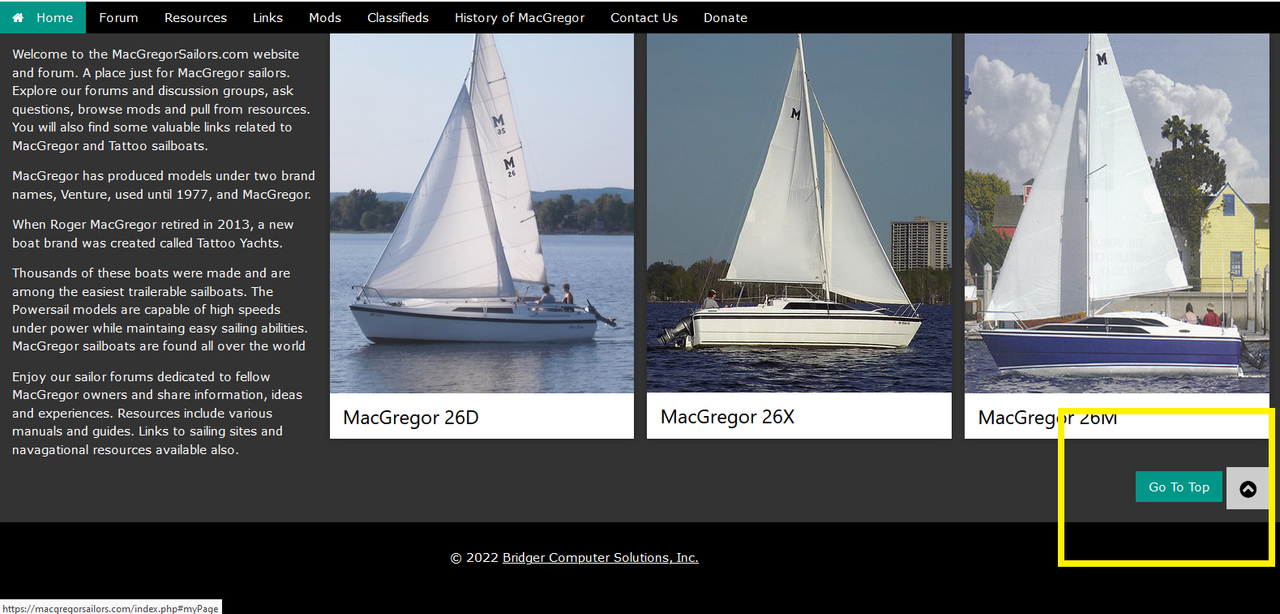
This one, below. It only appears once you go all the way to the bottom of the front page, and you hover your mouse over the up arrow.
Re: New Banner for home page
Posted: Sun Oct 02, 2022 6:49 pm
by Russ
Ahhh
Thanks for that info.
Yea...it doesn't work. Now that's going to keep me up at night (OCD) until I can fix it.
Re: New Banner for home page
Posted: Sun Oct 02, 2022 8:14 pm
by kmclemore
Russ wrote: ↑Sun Oct 02, 2022 6:49 pm
Ahhh
Thanks for that info.
Yea...it doesn't work. Now that's going to keep me up at night (OCD) until I can fix it.

You’re welcome!
Re: New Banner for home page
Posted: Tue Oct 04, 2022 2:58 pm
by OverEasy
Hi All!
Luv’in the new banner

What a GREAT IDEA

Thank you!!!
Best Regards
Over Easy


Re: New Banner for home page
Posted: Sat Oct 08, 2022 7:01 pm
by Be Free
Russ wrote: ↑Sun Oct 02, 2022 6:49 pm
Ahhh
Thanks for that info.
Yea...it doesn't work. Now that's going to keep me up at night (OCD) until I can fix it.
I hope you are not still awake!
Either add an id at the top of the page that matches the href="#myPage" or just change it to href="#" and it will go to the top of the page by default.
Re: New Banner for home page
Posted: Sat Oct 08, 2022 7:14 pm
by NiceAft
Either add an id at the top of the page that matches the href="#myPage" or just change it to href="#" and it will go to the top of the page by default.
Yeah! Whatever he said
Re: New Banner for home page
Posted: Sat Oct 08, 2022 7:19 pm
by Be Free
Re: New Banner for home page
Posted: Sat Oct 08, 2022 7:52 pm
by NiceAft
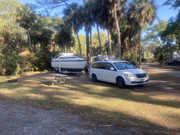
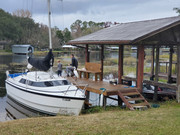
Can you find the MacGregor

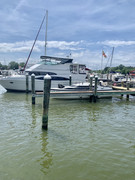
Russ, I just put this in for a laugh; not to be used.
Re: New Banner for home page
Posted: Sun Oct 09, 2022 9:59 am
by Russ
Be Free wrote: ↑Sat Oct 08, 2022 7:01 pm
I hope you are not still awake!
Either add an id at the top of the page that matches the href="#myPage" or just change it to href="#" and it will go to the top of the page by default.
Actually, I didn't have a chance to look at it. But
THANKS!!!!!!!!!!
You found the problem for me. I just changed it to "#" and called it done. Working now. THANK YOU! I can sleep again.
So here's the script that's loading the headers in the Index.php file. Do you have a better way to fade the new image from the old? I don't really like the fade to white before it loads the new one.
I set the timeout to some weird number (9902) because round numbers didn't seem to generate proper random selections.
Code: Select all
<div class="w3-display-container w3-animate-opacity">
  <img class="mySlides w3-animate-fading" src="images/banner/sailboat.jpg" style="width:100%;min-height:350px;max-height:600px;">
  <img class="mySlides w3-animate-fading" src="images/banner/sailboat2.jpg" style="width:100%;min-height:350px;max-height:600px; object-fit: cover;">
  <img class="mySlides w3-animate-fading" src="images/banner/sailboat3.jpg" style="width:100%;min-height:350px;max-height:600px; object-fit: cover;">
  <img class="mySlides w3-animate-fading" src="images/banner/sailboat4.jpg" style="width:100%;min-height:350px;max-height:600px; object-fit: cover;">

</div>

<script>
var myIndex = 0;
carousel();

function carousel() {
  var i;
  var i2;
  var x = document.getElementsByClassName("mySlides");
  for (i = 0; i < x.length; i++) {
   x[i].style.display = "none";
  }

   i2 = Math.floor(Math.random() * x.length)

   x[ i2 ].style.display = "block";


  setTimeout(carousel, 9902);
}
</script>
Re: New Banner for home page
Posted: Sun Oct 09, 2022 11:44 am
by Be Free
I'll take a look at it and see what can be done. I'll be working blind though. The only Internet connection here is HughesNet and the slide show changes for me before any of the pictures finish downloading. I've seen the top third of a lot of pretty pictures. I had not seen the white transition.
Seriously, I think I used that same script on another website and as I recall it is very flexible.